Choose genres, tone, chapter count, and the conflict the story is promising.
AI novel writer for iPhone and iPad
An AI novel writer built for chapters you can shape.
Fyrlo gives long-form ideas a practical path: premise, characters, cover, an editable outline, and a guided AI novel generator for one draft at a time.
- 06–14
- chapters in the starting plan
- 01
- chapter drafted and reviewed at a time
- 100%
- editable plan and manuscript

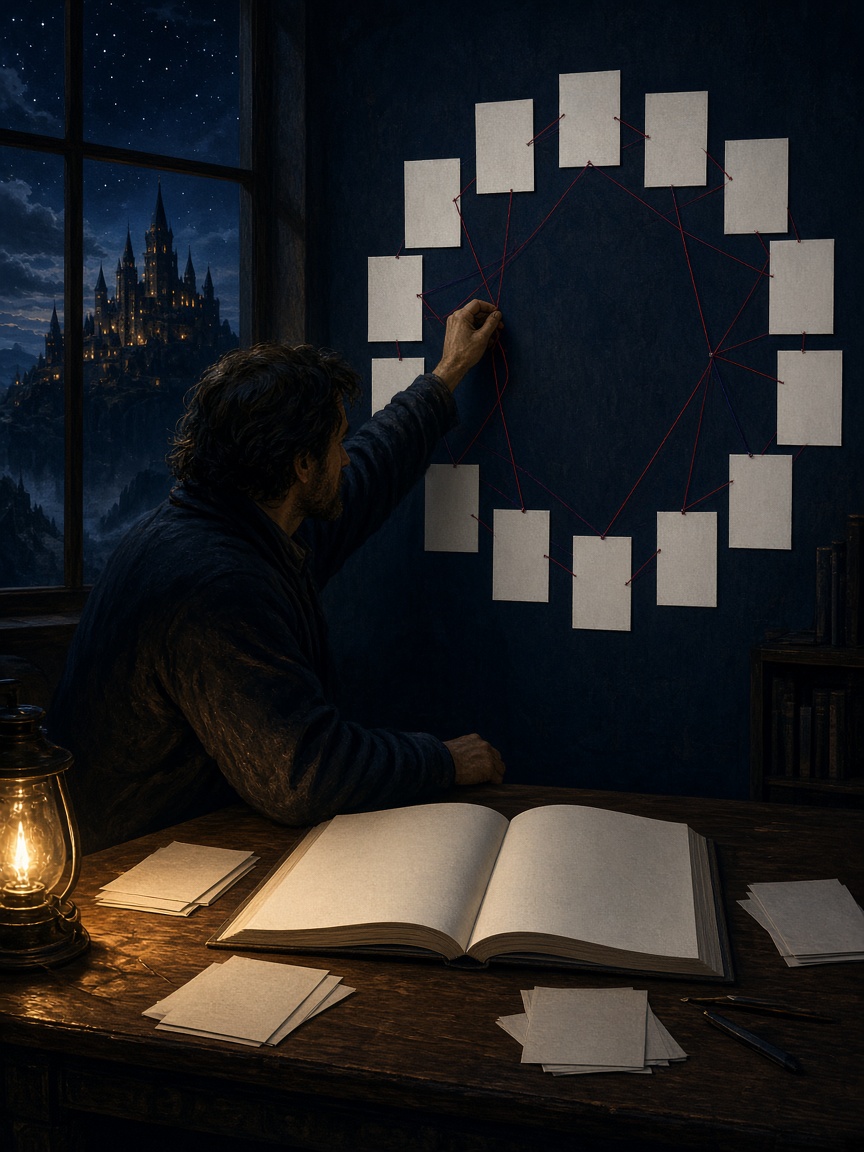
Long-form writingOne book. One plan. One chapter at a time.Keep the arc visible while the manuscript grows.
The continuity handoff
Do not ask the next chapter to remember everything at once.
Give each writing session a compact handoff: what the story has accepted, what this chapter must change, and what the next one needs to inherit.
- 01Preserve
Facts the draft has already earned
Keep names, knowledge, promises, injuries, locations, and world rules stable unless the story explains the change.
- 02Change
One dramatic job for this chapter
Advance one conflict, reveal one consequence, or force one choice that leaves the situation meaningfully different.
- 03Hand off
A precise instruction for what comes next
Record the accepted result and the unresolved pressure before generating another chapter.
Start with a premise
Give the book a direction before asking for pages.
A useful AI novel generator starts with direction. Choose up to three genres, set the tone, select a chapter count, describe the central premise, and add the characters who shape the draft. That is how to write a novel with AI while keeping the plan and every accepted chapter under your control.
Write a stronger premise →
See the arc
Review the chapter plan before writing chapter one.
Fyrlo generates a book summary and chapter plan from your setup. Edit chapter titles, summaries, beats, point of view, or location so the structure reflects the novel you actually want to write.
Build a flexible novel outline →
Draft and revise
Write one chapter, then make it yours.
Generate the planned chapter, read it in context, edit the text, and continue only when the direction works. Fyrlo keeps the book, characters, cover, and chapters together in your library.
Explore chapter continuation →
Begin the novel you can actually continue
A premise, a plan, and one chapter are enough.
You do not need a finished book to start. Set the direction, review the outline, and write the next section while the rest of the project stays visible.
Change titles, beats, and point of view before the first chapter is locked.
Generate, revise, and continue only from the version you decided to keep.
A long-form project, not a single prompt
Give every stage of the novel its own view.
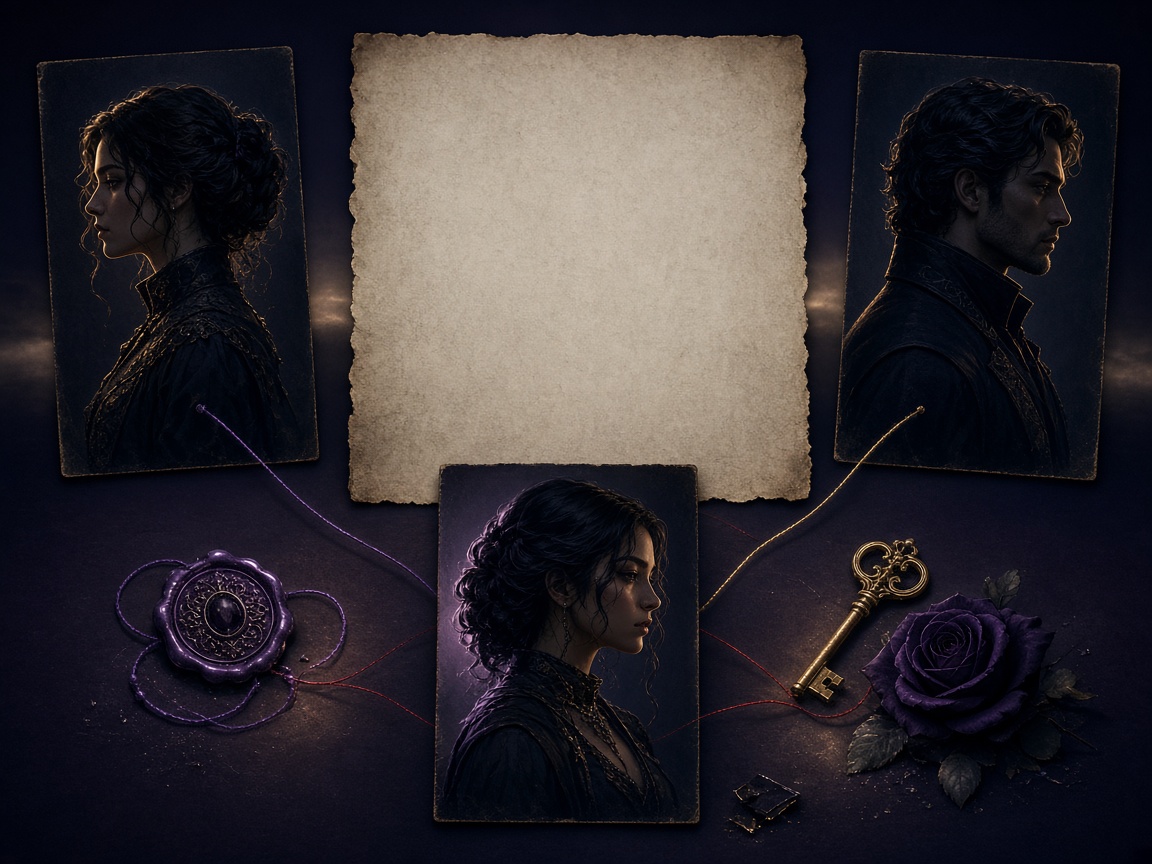
A premise, a visual world, and an editable chapter are different creative problems. Fyrlo keeps them separate enough to judge—and connected enough to continue.
 01
01Direction
Define what the novel promises
Set the premise, combine compatible genres, and choose the tone before the manuscript begins to grow.
 02
02World
Make the story feel tangible
A cover direction gives the project an identity in the library while the actual plot and prose remain yours to shape.
 03
03Manuscript
Revise before you continue
Read the full chapter, edit the saved draft, and generate the next section only when the direction still serves the arc.
A novel needs continuity
Keep the pieces of the book connected.
Long-form writing becomes difficult when the outline, cast, prose, and visual identity live in separate tools. Fyrlo keeps the essential project context together.
An editable chapter map
Use the generated plan as a working outline, then revise it before chapters are locked by drafted text.
A visible arc makes it easier to spot repeated beats, missing turns, or an ending that arrives too soon.
Use the novel outline guide →Character profiles with a purpose
Capture names, roles, traits, motivations, and relationships for the characters that matter most.
Profiles add context, but you still review every chapter for voice and continuity.
Protect voice and character consistency →An editor inside the project
Generated prose is a draft. Change it directly in Fyrlo instead of treating the first output as final.
Your saved edits become part of the book you read and continue.
Explore the AI story generator →Cover, reader, and PDF export
Choose a preset or AI cover, read chapters in a dedicated reader, and export the complete book when you are ready to share.
Long-form decisions
A novel stays manageable when every chapter has a job.
Length alone does not make a project feel like a novel. Recurring pressure, changing relationships, controlled reveals, and earned consequences create the sense of an arc.
Write the book’s central question
State what the protagonist wants, what blocks them, and what will be lost if the conflict remains unresolved.
Use that sentence to judge chapter ideas before they enter the plan.
Give each chapter one irreversible change
A decision, revelation, loss, alliance, or new constraint should alter what the next chapter can do.
If two chapters produce the same change, combine or differentiate them before generating more prose.
Track promises, not only facts
Names and locations matter, but so do unanswered questions, emotional debts, and expectations created for the reader.
Update character notes and the plan when the manuscript earns a different direction.
Separate structural repair from line editing
First decide whether the chapter belongs, advances the arc, and ends in the right place. Then revise voice, rhythm, detail, and sentences.
Polished prose cannot repair a chapter with no narrative purpose.
A practical test
Can you explain why chapter two must follow chapter one?
If the answer names a consequence rather than only another event, the outline has momentum. Use that consequence as the starting point for the next chapter توجيه.
Plan chapters with AI →A review rhythm
Outline, chapter, and manuscript need different questions.
When every level is judged with the same standard, it is easy to polish sentences inside a chapter that still fails structurally.
Review arc and consequence
Ask whether each chapter changes what can happen next and whether major turns grow from earlier decisions.
Move, combine, or remove repeated beats before turning them into prose.
Read goal, resistance, and change
Name what the point-of-view character wants in the scene and what is different by the end.
If nothing changes, strengthen conflict or revelation instead of requesting more description.
Compare promise and pace
Read several chapters together to find repetition, tonal breaks, and answers that arrive before they are earned.
Only after that review do sentence polish, cover direction, and export become the useful next step.
Rule of thumb
Structure first, voice second, presentation third.
This order prevents an attractive cover or elegant sentences from hiding an unresolved plot.
Review chapter by chapter →Good to know
AI novel writing, clearly explained
What Fyrlo handles, what you can edit, and what remains your decision as the author.
Can Fyrlo write a complete novel?
Fyrlo can help you plan and draft a multi-chapter book, but it is built as a guided writing workflow rather than a one-tap finished novel. You review the plan, edit each chapter, and steer the story as it grows.
How many chapters can I plan?
The Book setup offers short, medium, and long starting points of about 6, 10, or 14 chapters. The plan follows the chapter count you select.
Can I edit the AI chapter plan?
Yes. Before drafting, you can edit planned chapter titles, summaries, beats, point of view, and location. This makes the plan a working outline rather than a locked result.
Can I edit generated chapters?
Yes. Open a chapter in Fyrlo’s editor, revise the text, and save your changes. Your edited version becomes part of the project you continue from.
Can I export the novel?
Yes. You can export the full story as a PDF, export an individual chapter, or share chapter text from the reader.