“How do I start a novel or story?”
Begin with the AI story generator for novels and shorter fiction. Choose Book, Poetry, Short Story, or Screenplay, set genre and tone, then generate the first chapter.
Open AI story generator details →AI writing app for fiction
Plan novels, generate chapters, shape characters, create covers, and export from one connected story writing app for iPhone and iPad.

Choose by your question
Fyrlo combines AI drafting with project tools, but you do not need to use everything at once. Pick the feature that answers your next question, then connect another tool only when it adds useful context.
Begin with the AI story generator for novels and shorter fiction. Choose Book, Poetry, Short Story, or Screenplay, set genre and tone, then generate the first chapter.
Open AI story generator details →Use plot and characters to capture wants, traits, and relationships. Those notes help later chapters stay coherent as you continue writing.
Explore AI novel outlines and characters →Use continue writing with a clear next beat, generate an AI cover when you want a visual, and reopen everything from your library.
Explore AI chapter generation →Choose a fast preset or generate an AI cover once the title, genre, and visual promise are clear. The selected cover stays with the project and its PDF export.
Explore AI book covers →Planning a multi-chapter Book?
Explore the dedicated AI novel writer workflow →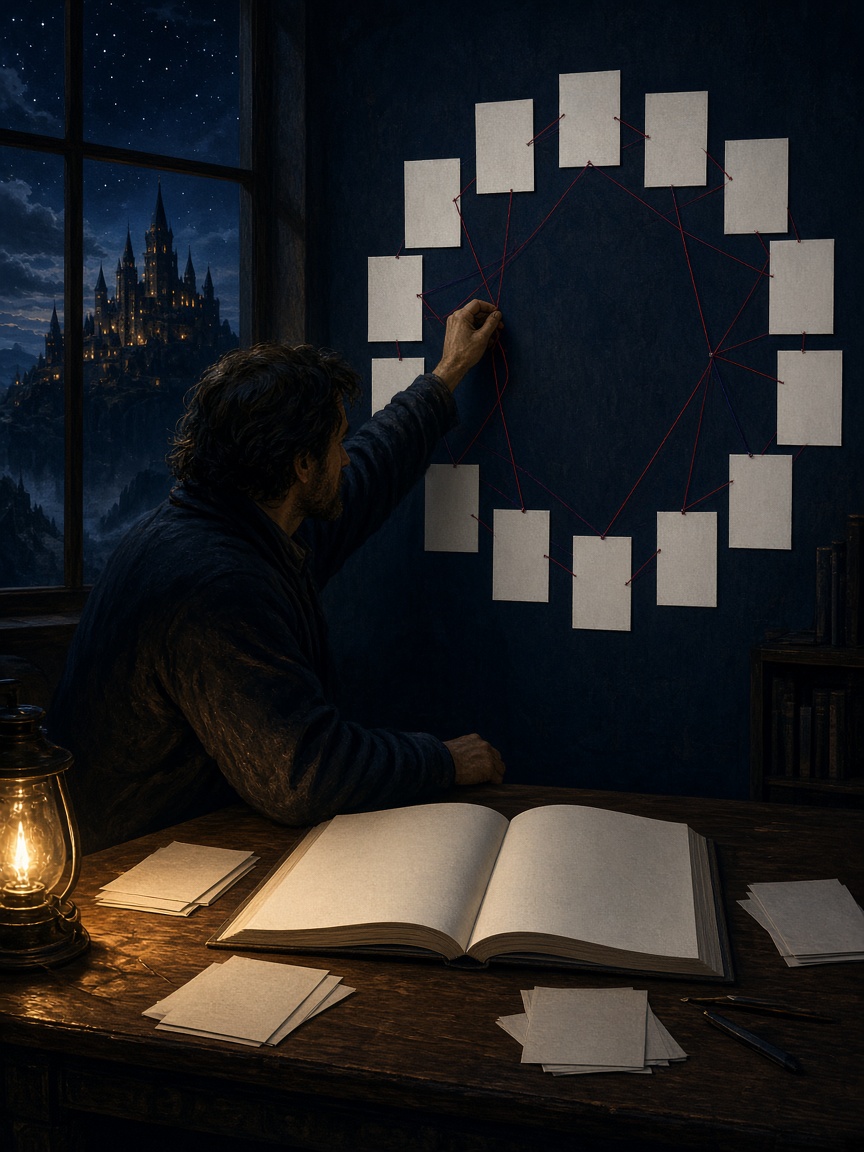
AI story generator
Turn a premise into a novel, Book, Short Story, Poetry project, or Screenplay. Fyrlo guides the setup so you can generate, edit, and continue every draft.

AI book covers
Choose an included preset or describe a scene, subject, mood, and art style to generate a custom AI cover for your Fyrlo project.
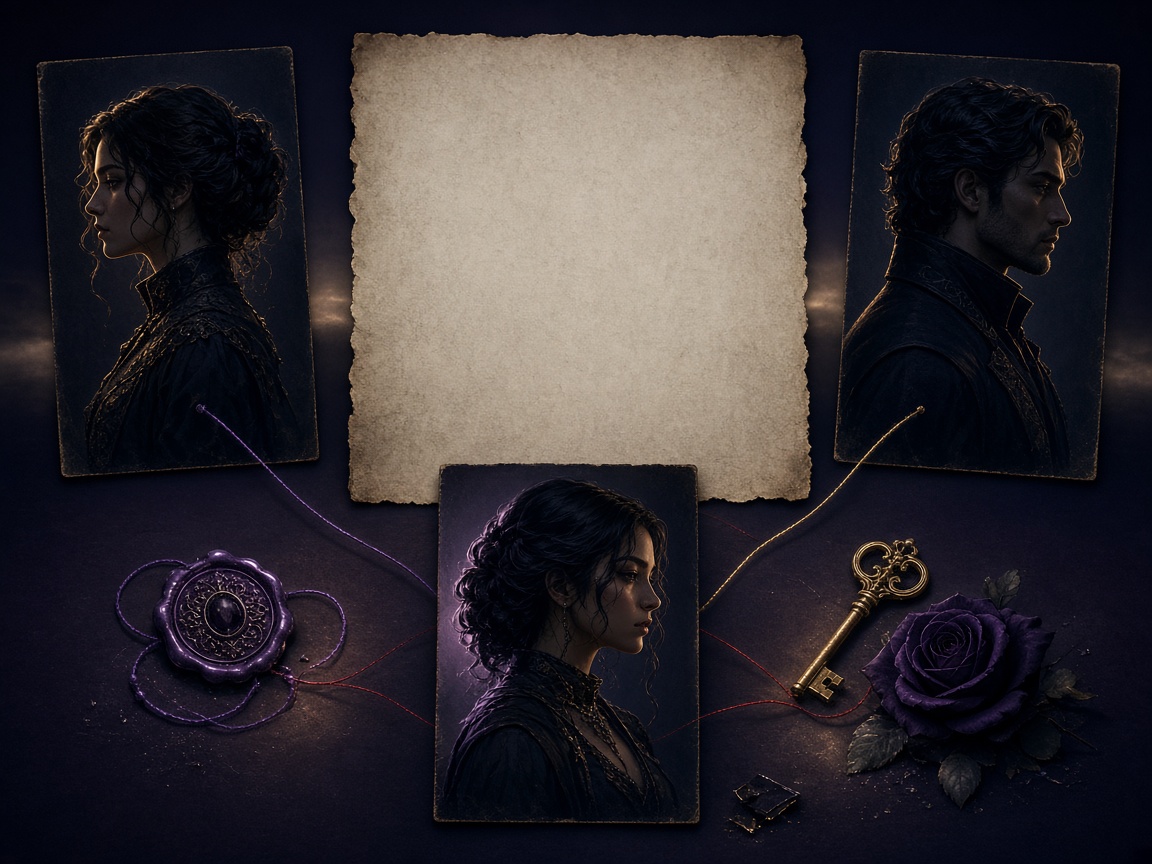
Plot & characters
Use an editable AI novel outline generator and character planner to connect chapter beats, motivations, relationships, and later drafts.

Continue writing
Return to any project, generate the next chapter from existing context, revise earlier sections, and export the manuscript from iPhone or iPad.
Open the studio where the draft lives
Start with the question in front of you. The rest of the studio stays available when the next chapter needs a plan, a character note, or a cover.
Give the project a format and premise, then review the first section in the editor.
Keep characters, outline notes, and the next beat beside the manuscript.
Choose a cover and export a PDF only after you have reread the version you kept.
From curiosity to a shareable draft
The strongest workflow begins with one writing question and ends with a structured draft you can continue. Each Fyrlo feature has a different job in that sequence.
Begin with format, genre, tone, and length. A focused setup makes the first chapter easier to judge.
If several ideas interest you, start separate projects instead of mixing premises mid-draft.
AI story generation places the next section in your editor. Review the overall arc before polishing every sentence.
Regenerate only when the direction is wrong—not when you simply want a different adjective.
Explore the AI story generator →Character notes provide vocabulary for motivation and voice. Continue writing turns “this feels unfinished” into a specific next beat.
Treat that context as steering, not a fixed rule about how the story must end.
Understand plot and characters →Generate a cover that matches genre and mood, then export a PDF when you want to share with readers or yourself.
Your library keeps projects ready for the next writing session.
Explore AI book covers →A better order
Fyrlo works as an AI story writer when each feature moves one decision forward. The draft helps you react, characters and continue prompts help you steer, and export packages the result.
See the complete workflow →Choose by the job
A connected writing app should make the project easier to understand, not give you more buttons to manage. Start by naming what is unclear in the draft, then use the smallest tool that can resolve it.
Define who wants what, what stands in the way, and why the situation must change now. Once those three parts are visible, the story generator has a stronger direction and the first chapter is easier to evaluate.
Build a stronger prompt →Review the current chapter goal, the protagonist’s motivation, and the unresolved conflict. Plot and character context is more useful here than repeatedly generating a new version of the same scene.
Explore plot and characters →Tell Fyrlo what should remain, what must happen next, and which character drives the change. A focused continuation makes it easier to compare the new chapter with the one already in your project.
See continue writing →Choose a cover direction that fits the genre, read the manuscript as a whole, and export only after you have checked continuity and revised the text you want to share.
Explore book covers →Review with intention
AI text is better for advancing a draft than for guaranteeing a publish-ready novel. Review each chapter in layers: premise, character, continuity, then the next beat.
Step back from individual sentences. Does the chapter advance the conflict in the tone you chose?
If the broad direction is wrong, small edits are unlikely to save it—regenerate with a clearer توجيه.
A draft may combine solid plot movement with uneven prose. Decide whether you like the events, the voice, or both.
This prevents rewriting style when what you actually need is a stronger next scene.
The model cannot know your full series bible, research constraints, or publication goals.
Use those unknowns to create better continue توجيهs and character updates.
Learn what an AI book creator can do →A useful order
Keep the review short enough to use after every chapter. The point is to decide what the next section should inherit, not to polish every sentence before the plot is clear.
See the complete review workflow →
What connects the tools
Fyrlo is not a collection of unrelated generators. The premise, plan, cast, chapter editor, cover, and library belong to the same project.
Start with the uncertainty that is blocking the draft. If the story has no direction, work on the premise and plan. If a chapter drifts, review the cast, the current beat, and the continue instruction. If the manuscript is ready for readers, move to the cover and export instead of generating more prose.
This order matters because every extra generation creates another option to review. A connected workflow keeps the creative decision visible and makes it easier to tell whether the new output actually improved the book.
See the connected Fyrlo workflow →Choose premise, structure, character, next beat, revision, or presentation before opening another tool.
A focused chapter or cover direction is easier to judge than a pile of loosely related outputs.
The library is most useful when it holds a clear draft and the context needed to continue it.