

The title, genre, mood, and one recognizable symbol or scene already point in the same direction.
InputTitle, genre & story mood
OutputCustom cover artwork
Available oniPhone & iPad
Pairs withPDF export
Use this feature deliberately
Does the project have enough identity to describe visually?
Genre signal, focal point, readability, unintended details, and whether the image promises the story you actually wrote.
Attach the selected direction to the project, then review the complete manuscript before PDF export.
Prepare the project for sharing →How it works
From idea to a structured draft.
Open your project
Open a story from your library and choose Cover. A title and plot are required before AI cover generation.
Describe the look you want
Add optional details: illustration style, key imagery, color mood, or a focal scene from the book.
Generate and use the cover
Create the cover, review the result, and use it for the project in your library and exported story.
Illustrative cover brief
Turn story signals into one visual promise.
A cover direction becomes clearer when it names the genre, emotional temperature, and one memorable anchor. It should create curiosity without trying to summarize every scene.
A winter mystery about a house missing from every official map.
Quiet suspense · midnight blue and frost · one warm window · no visible face · restrained illustrated style.
- 01Signal
Make the genre readable
Cold negative space and a distant house suggest mystery before decorative detail competes for attention.
- 02Anchor
Choose one image to remember
The single warm window becomes the focal point and carries the question the manuscript has already established.
- 03Review
Compare promise with manuscript
Reject unintended text, misleading details, or a visual tone that promises a different kind of story.
A project cover with a specific job.
Use the selected direction in the library and export only after checking that it still fits the title, genre, and finished draft.
Three different visual promises
A cover should signal the story before it explains it.
Genre, mood, and one strong visual anchor create a clearer direction than a prompt crowded with every character and plot beat.
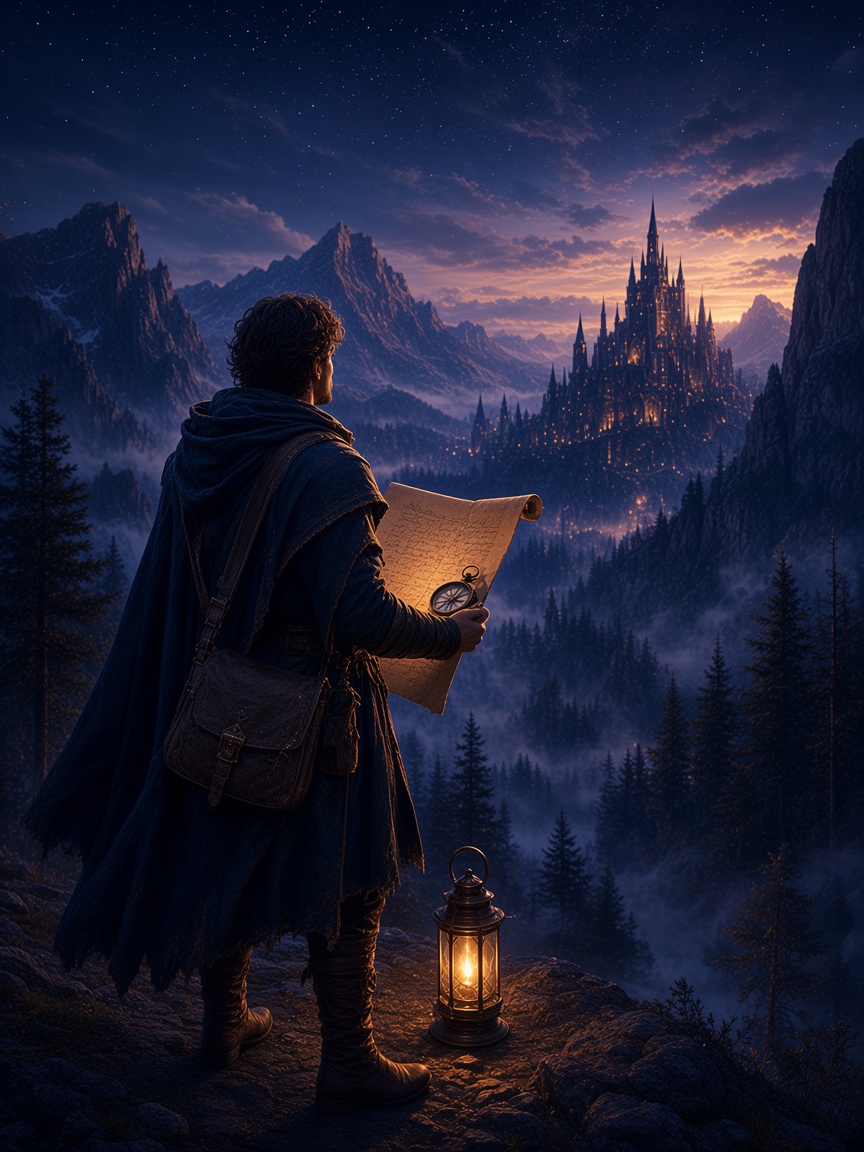 01
01Fantasy
World and scale
Use one landscape, artifact, or impossible detail to suggest a world larger than the frame.
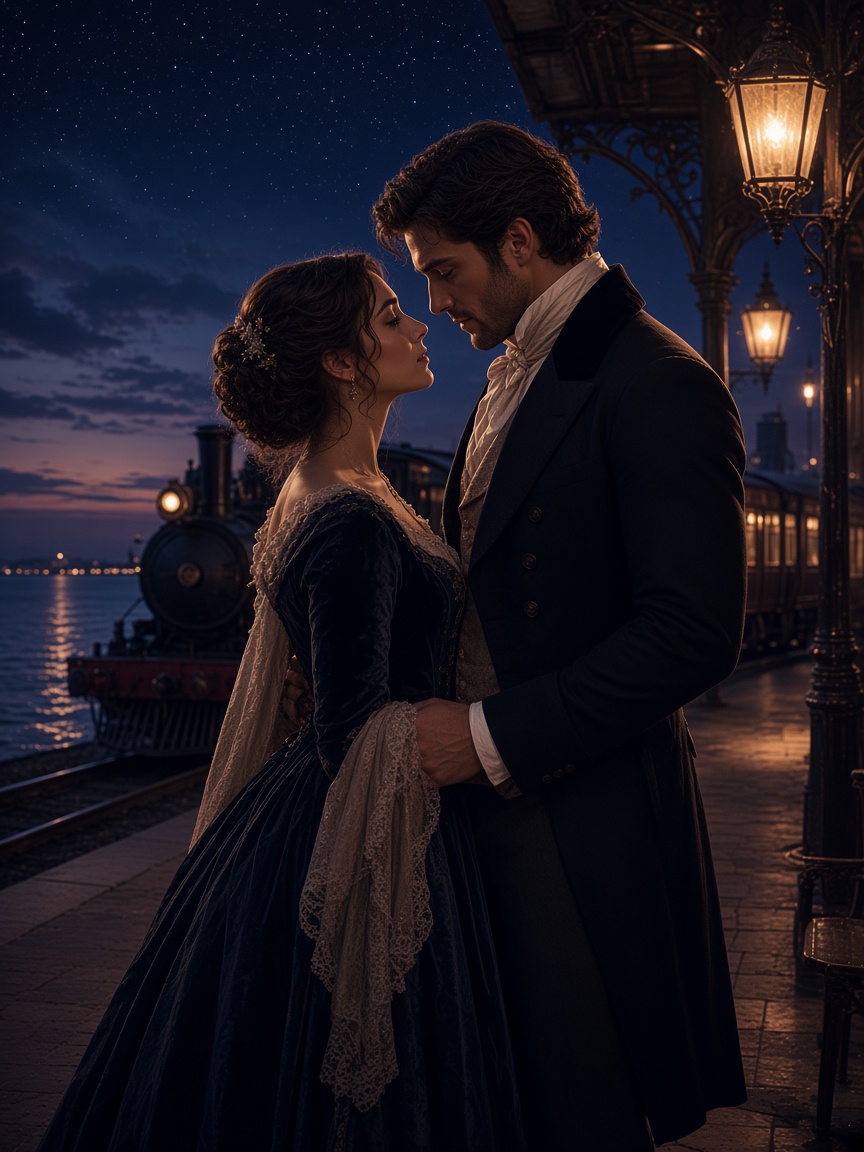 02
02Romance
Chemistry and tone
Color, proximity, and atmosphere can communicate warmth, tension, or longing without retelling the plot.
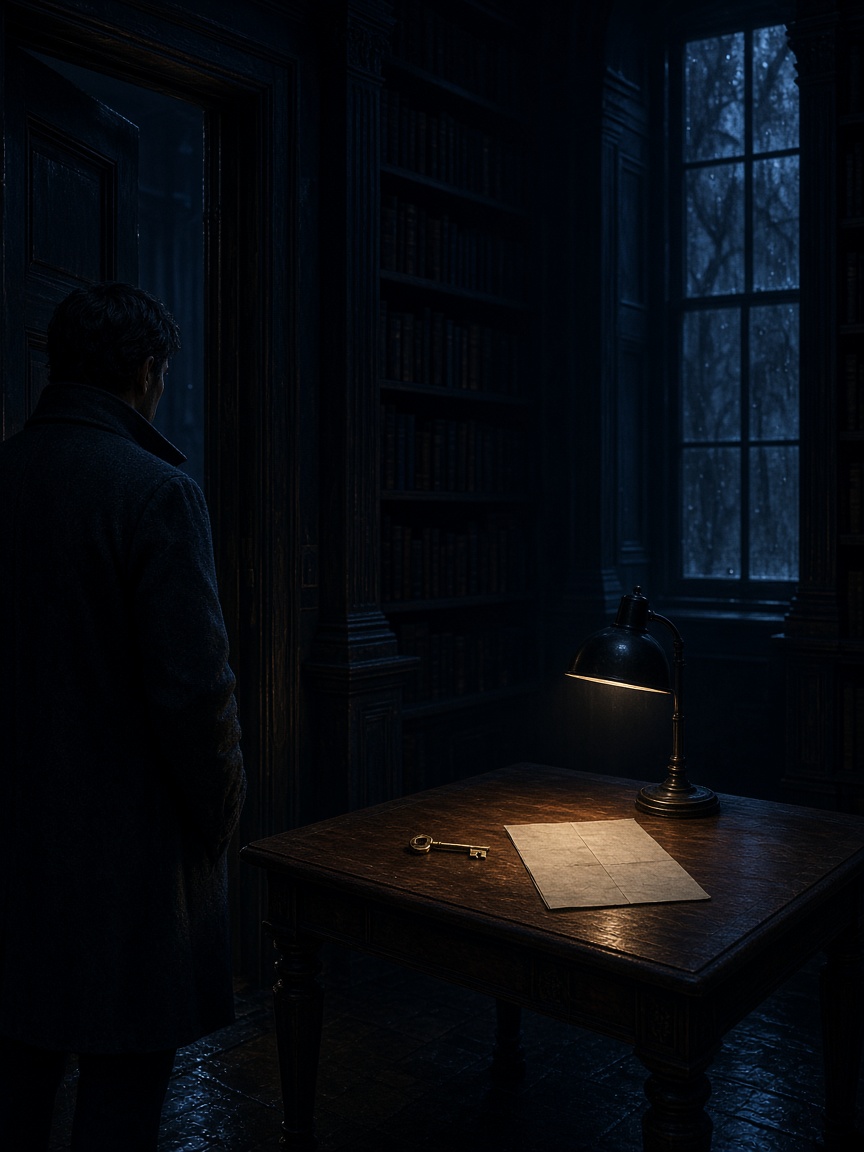 03
03Mystery
Question and consequence
A single unresolved image creates curiosity while leaving the answer where it belongs—inside the story.
Covers that reflect the story inside
A strong cover signals genre before anyone reads page one. Fyrlo combines your project context with the visual description and art style you choose.
If you do not need a custom image, included cover presets give the project an immediate visual identity without another generation step.
- Genre-aware imagery for fantasy, romance, mystery, and other categories
- Mood-aligned palettes from dark and moody to bright and whimsical
- A title-forward project presentation for reading and export
- Cover attached to the same project as your chapters
Tips for better cover results
Name one visual anchor: a symbol, landscape, character silhouette, or object from the plot. Avoid cramming every plot beat into one prompt.
Match the cover brief to the same tone you used when writing. A cozy romance cover brief should not fight a dark thriller manuscript.
Set the right expectation
Fyrlo is a creative writing assistant. AI-generated drafts can vary and should be reviewed, edited, and owned by you—not treated as finished manuscripts or professional publishing advice.
Good to know
Questions, answered
Do I need a finished manuscript to generate a cover?
No. You can generate a cover once your project has a title and basic genre or tone set. Many writers refresh the cover after the story direction settles.
Can I regenerate if I do not like the first result?
You can reset the current AI cover and generate a new direction. AI generation may use credits depending on your plan.
Does the cover appear in PDF export?
Your selected cover can be included when you export the project as PDF, so readers see a complete book-style package.
Are AI covers copyrighted for my use?
Covers you generate for your Fyrlo projects are intended for use with your writing. Check the app’s terms for details on commercial use and attribution.