You can name the format, premise, central pressure, genre, and tone—even if the ending is still provisional.
AI story generator
An AI story generator for novels, chapters, and shorter fiction
Turn a premise into a novel, Book, Short Story, Poetry project, or Screenplay. Fyrlo guides the setup so you can generate, edit, and continue every draft.

From brief to draftGive the next chapter a clear job.Book, poetry, short story, screenplay
FormatsBook, poetry, short story, screenplay
ControlGenre, tone & length wizard
Available oniPhone & iPad
OutputChapter-by-chapter drafts
Use this feature deliberately
Do I have enough direction to create a useful first draft?
Plot movement, character logic, voice, unsupported facts, and whether the generated section actually changes the situation.
Keep the accepted chapter, update the plan or cast when needed, and write one explicit next beat before continuing.
Hand the draft to continue writing →How it works
From idea to a structured draft.
Pick your format
Start a Book, Poetry collection, Short Story, or Screenplay. Each format uses a guided setup tuned to how that kind of writing works.
Set genre, tone, and length
Use the creation wizard to choose genre (fantasy, romance, thriller, and more), tone, and how long you want the project to be.
Review the direction, then write
Books receive an editable chapter plan before drafting. Other formats move into their focused generation flow. Review and edit each result before continuing.
Illustrative workflow
Watch one premise become a chapter decision.
A useful generation begins before the prose. This example shows how a compact brief becomes a focused chapter job, then a draft you can judge without confusing fluency with progress.
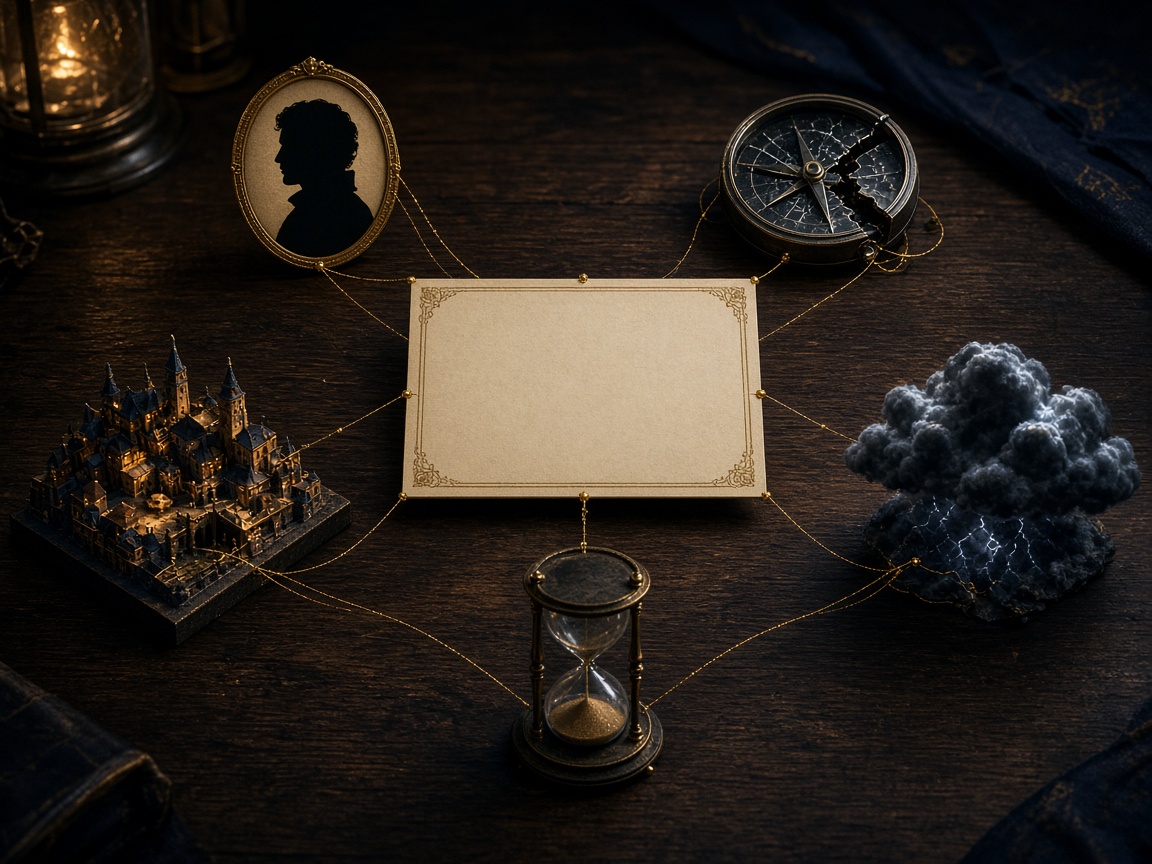
A mapmaker receives a chart of a town that should not exist.
Book · speculative mystery · restrained tone · the map changes after every choice the protagonist avoids.
- 01Promise
Protect the central question
The impossible map should create pressure, not explain the entire mystery in chapter one.
- 02Chapter job
Force one irreversible choice
The protagonist uses the map despite knowing that one familiar street may disappear as a consequence.
- 03Review
Keep only the useful direction
Check whether the choice changes the situation, the tone stays controlled, and the next chapter inherits a real problem.
An accepted story state—not untouchable prose.
Edit the chapter until its events and voice belong to the project. The version you save becomes context for the next decision.
The generator is a sequence
See what changes before the prose appears.
The first draft is only one part of the product. Format, direction, and revision give that draft a reason to belong to the project.
 01
01Format
Choose the kind of writing
Book, Poetry, Short Story, and Screenplay begin with distinct creative expectations instead of one generic prompt.
02Brief
Give the draft a target
Premise, genre, tone, and length turn an open request into a project direction you can evaluate.
03Revision
Treat the output as a draft
Read and edit the chapter before you decide what the story should do next.
From blank page to structured draft
Starting a book can feel overwhelming when you stare at an empty document. Fyrlo breaks the work into decisions you can handle: describe the idea, review the plan, and draft the next section.
Whether you want a full novel, a tight short story, a poetry collection, or a screenplay, the app adapts the workflow to the format you chose—not a one-size-fits-all template.
- Book: multi-chapter novels and long-form fiction
- Short Story: focused narratives with a clear arc
- Poetry: themed collections and verse projects
- Screenplay: scene-based scripts with proper structure
Genre and tone that match your vision
The creation wizard asks for genre, tone, and length before the first chapter is written. Fantasy, romance, mystery, sci-fi, literary fiction, and other directions give the draft a clearer creative target.
Tone controls whether the story feels light, dark, humorous, lyrical, or suspenseful. Length settings help you scope a weekend read or a longer project without guessing chapter count upfront.
Set the right expectation
Fyrlo is a creative writing assistant. AI-generated drafts can vary and should be reviewed, edited, and owned by you—not treated as finished manuscripts or professional publishing advice.
Good to know
Questions, answered
What formats can Fyrlo create?
Fyrlo supports Book (novels and long-form fiction), Short Story, Poetry, and Screenplay. Each format has its own creation flow and chapter structure.
Does Fyrlo write the entire book at once?
No. Fyrlo generates content chapter by chapter (or section by section for poetry and screenplays). You review each part before moving on, which keeps quality and direction under your control.
Can I change genre or tone later?
Your initial wizard choices set the foundation. For major shifts mid-project, you can adjust prompts when continuing chapters or start a new project with updated settings.
Where is Fyrlo available?
Fyrlo—AI Book Creator & Writer—is published by Rocket Digital Limited and available on the App Store for iPhone and iPad running iOS 15.6 or later.